
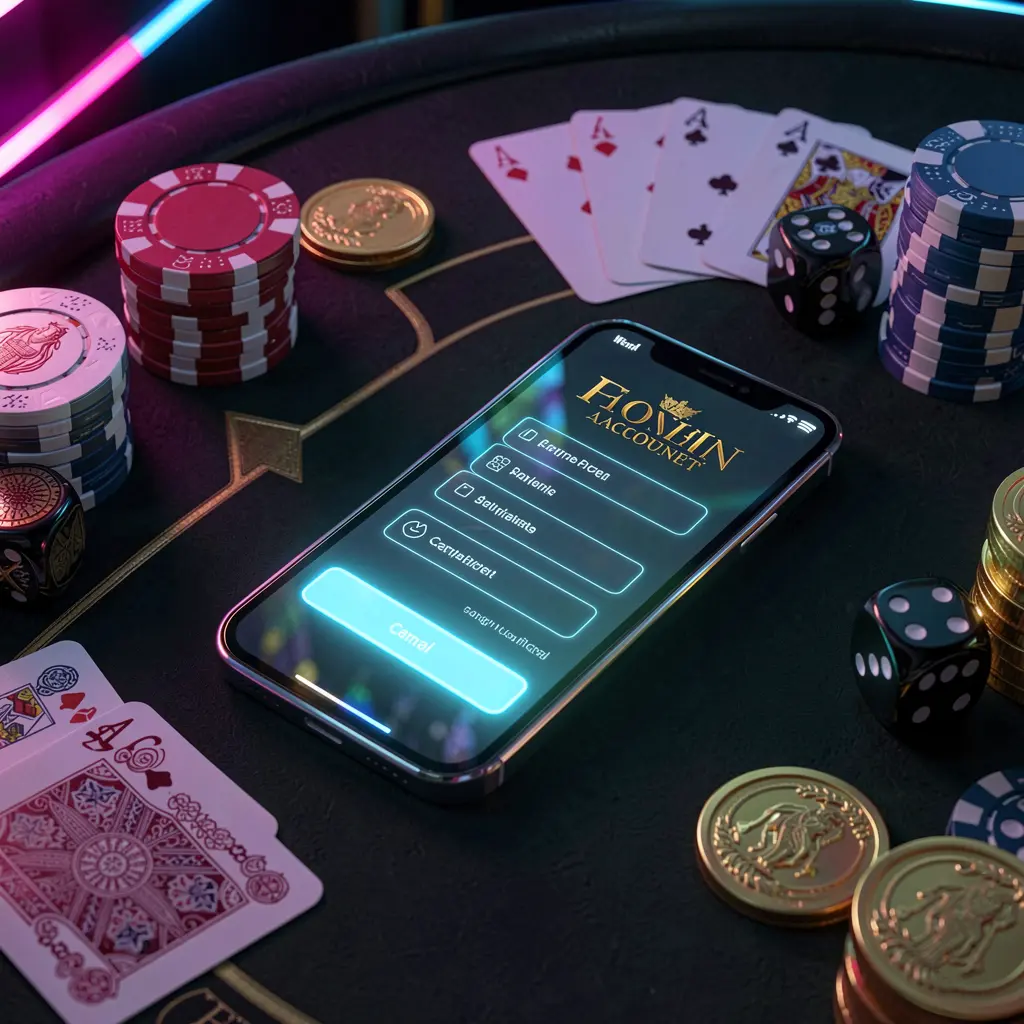
ZAS36 Login and Account Access
Whether you are returning to ZAS36 or setting up access for the first time, the login area is where you manage your account details. This page explains the usual sign-in steps, account recovery options, and practical security habits for users in Malaysia.
🔐 How to Sign In to ZAS36
Start from the official ZAS36 website and select the login option. Keep your registered details ready before entering them, especially when signing in from a new device.
- Open the ZAS36 website and choose the Login button.
- Enter the phone number, email address, or username linked to your account.
- Type your password carefully, checking capitals and numbers.
- Complete any verification prompt shown on the page.
- Select Sign In to open your account area.
If the details are accepted, you can continue to your account dashboard. Avoid repeatedly guessing a password, as this may trigger a temporary security restriction.

📝 Registering a New ZAS36 Account
New users should select Register rather than attempting to log in. Provide accurate contact information that you control, since it may be needed for account confirmation or future recovery.
- Choose Register from the main page or login screen.
- Enter the requested personal and contact details accurately.
- Create a strong password with varied characters and numbers.
- Review the information before submitting the registration form.
- Follow any confirmation instructions sent to your registered contact method.
Use one account only and retain the details you submit. If a field is unclear, pause and contact the platform's official support channel instead of entering guessed information.
🔑 Resetting a Forgotten Password
If you cannot remember your password, use the Forgot Password link on the login screen. This is safer than making repeated attempts or creating another account.
Enter the contact detail associated with your account and follow the verification instructions provided. Once verified, choose a fresh password that is not used for email, banking, or social media accounts.
If a reset message does not appear, check that you entered the registered detail correctly and look in relevant message folders. Official support can help with account-access questions when the normal recovery process does not work.
📱 Accessing ZAS36 on Mobile Devices
You can access the ZAS36 login page through a mobile browser or desktop browser. Whichever device you use, confirm that you are on the official site before entering credentials.
| Access option | Helpful practice |
|---|---|
| Mobile browser | Use a trusted connection and close the browser after shared use. |
| Desktop or laptop | Keep the operating system and browser updated. |
| Personal device | Use a screen lock and avoid sharing account access. |
| Shared device | Do not save passwords or leave the session open. |
For smoother access, keep your browser current and clear old cached data if a page displays incorrectly. A stable connection can also prevent interrupted verification steps.
🛡️ Keep Your Account Details Protected
Your login information should remain private. Small everyday precautions can reduce the risk of someone else accessing your account.
- Use a long, unique password for your ZAS36 account.
- Never share verification codes, passwords, or security answers.
- Check website addresses before entering any account information.
- Log out after using a public or borrowed device.
- Ignore unsolicited messages requesting confidential account details.
Be cautious with links received through messages, social media, or unfamiliar groups. When you need help, start from the official website rather than responding to an unexpected contact.
🛟 Common Login Issues and Next Steps
Most login problems are caused by an incorrect password, outdated browser data, or a missed verification step. Work through one solution at a time before trying again.
- Check spelling and spacing in your username or contact detail.
- Use password recovery if you are unsure of the password.
- Refresh the page or clear browser cache and cookies.
- Try a reliable network if verification is not loading.
- Contact official support if access remains unavailable.
When contacting support, share only the information requested through an official channel. Never send your password or one-time verification code to anyone.
Responsible Account Use
Keep control of your activity by setting personal limits on time and spending. Account access should support informed decisions, not encourage rushed or emotional choices.
ZAS36 services are intended for adults only. If entertainment stops feeling manageable, take a break, review available account controls, and seek appropriate support. Do not use money needed for essential expenses.
Frequently Asked Questions
What should I do if my ZAS36 password is not accepted?
Check that you entered it exactly as created, including capital letters and numbers. If it still does not work, select the password recovery option on the login page.
Can I access my account from a mobile browser?
Yes. Open the official ZAS36 website in a current mobile browser and use your usual login details. Avoid saving them on devices shared with others.
Why am I not receiving a verification message?
Confirm that you entered the registered contact detail correctly, check relevant message folders, and ensure your connection is stable. Use official support if the issue continues.
Should I save my ZAS36 password in my browser?
Saving a password may be convenient on a personal, protected device. Do not save it in browsers on public, work, or shared devices.
How can I tell whether a login page is genuine?
Access ZAS36 through its official website, check the address carefully, and avoid using unexpected links sent through messages or social media.